
Sell Canva Templates to a large global audience
Make Money Selling Canva Templates
create once and sell repeatedly. This guide uses $5-200 per template as a broad pricing example to validate against current listings. No inventory, no customer service, just product income that still requires maintenance and promotion.

Why this works
What makes it worth your time
The factors that make this skill easier to package, price, and test with buyers.

Repeatable Product Revenue
Create templates once and earn from repeat sales. Your designs can sell repeatedly with ongoing updates and promotion.

Global Marketplace
Access Canva's global marketplace looking for professional templates every day.

Low Barrier to Entry
No advanced tech skills needed. If you can design in Canva, you can start selling templates today.
The basics
What you need to know
A quick overview to get you oriented. The full guides live in your dashboard.

What Are Canva Templates?
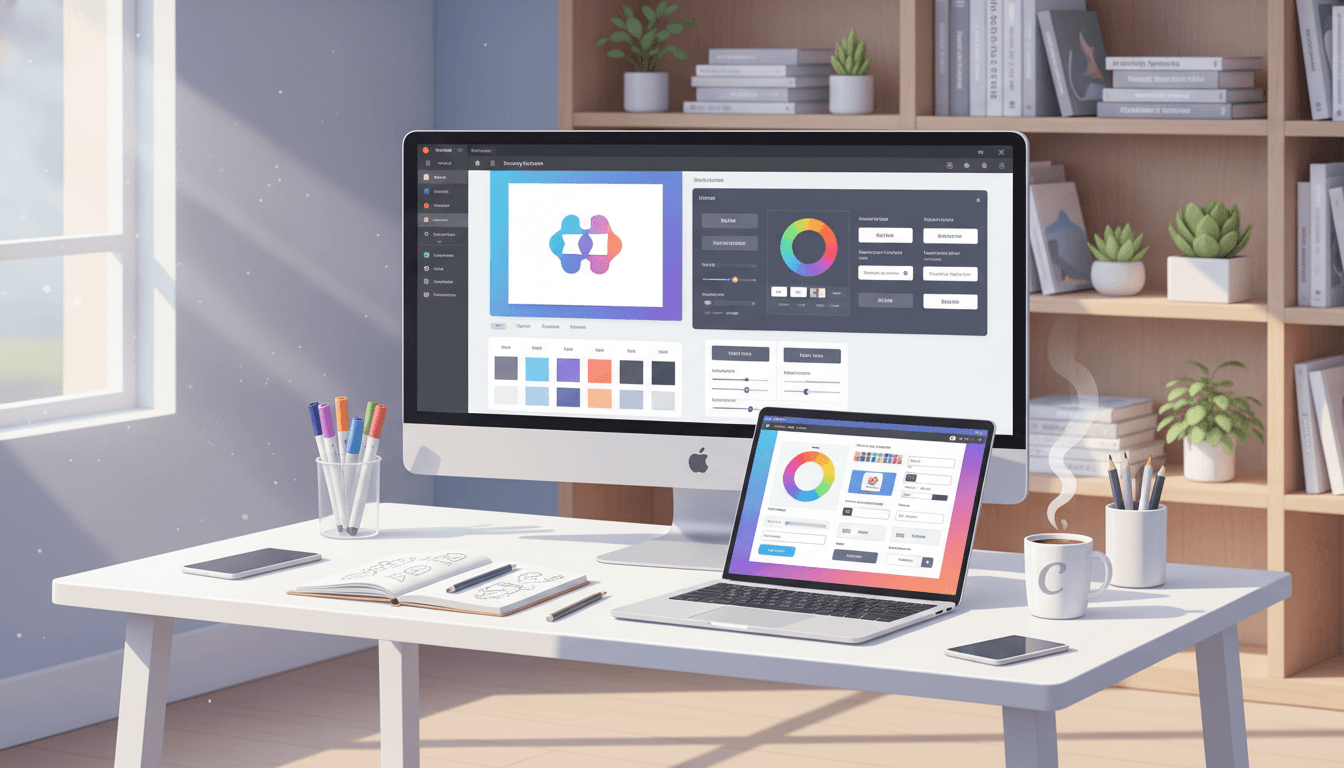
Canva templates are pre-designed graphics that users can customize with their own text, images, and colors. They include social media posts, presentations, business cards, and more.

How to validate demand
Demand for canva templates is not uniform. Compare current listings and speak with potential buyers interested in Instagram post templates, Business presentations, Email headers. Record what they actually ask for before investing in a larger portfolio.

What sells best
- Instagram post templates
- Business presentations
- Email headers
- Social media stories
- Marketing flyers

Pricing hypotheses to test
- Simple social posts: $5-15
- Complete brand kits: $50-100
- Premium business packages: $100-200

Want the full guide?
Save the guide, build an editable offer draft, and turn one pricing example into a real buyer test.
Related guides
Income potential
How Much Can You Earn Selling Canva Templates?
Your earning potential grows with experience and portfolio size. Here's what to expect at each level:
$5-15 per template
Start with simple designs like social media posts and basic presentations. Focus on learning what sells and building your portfolio.
$15-50 per template
Create more complex designs like complete brand packages, event templates, and professional presentations with better design skills.
$50-200+ per template
Premium templates with extensive customization options, complete brand kits, and specialized designs for high-paying niches.
How it works
From skill to first paid work
A few clear steps, so you always know what to do next.
Find Profitable Template Niches
Start by researching what already sells on Canva and other marketplaces. Instead of guessing, reverse-engineer demand: look at bestseller badges, search suggestions, and reviews to see what buyers are asking for.
- Use Canva search + filters to list top-selling templates in your niche
- Note which formats repeat (IG carousels, Pinterest pins, invoice templates, etc.)
- Read reviews to find complaints like “hard to edit”, “no instructions”, to improve on
Design Templates That Are Fast to Edit
Winning Canva templates are not only pretty, they are extremely easy to customize. Build clear layouts, use global styles, and include “edit me” notes so non-designers can update everything in minutes.
- Use Canva styles and color/typography variables instead of hard-coded colors
- Group and name layers for key sections (headline, CTA, logo area)
- Include a quick-start page explaining how to edit fonts, colors, and images
Optimize Listings for Search & Conversion
Your preview images and listing copy act as your sales page. Use keyword-rich titles and show real use-cases (before/after, mobile view, multiple page variations) so buyers instantly “get” what they are buying.
- Include primary keywords like “Instagram carousel template” or “coaching lead magnet” in the title
- Show 3-6 preview images with different colorways and device mockups
- Write bullet points focused on outcomes: “save 5+ hours/week”, “consistent brand look in 10 minutes”
Drive External Traffic and Iterate
Don’t rely only on Canva’s internal traffic. Use Pinterest, TikTok, Instagram, and email to send qualified buyers to your best templates, then update designs based on real sales data.
- Turn your templates into short social posts or Reels showing “how I design this in 30 seconds”
- Create bundles around a specific niche (e.g., “podcaster social kit”) and test higher price points
- Review analytics monthly and update slow sellers with new colorways, copy, or positioning
Comparison
Canva vs Other Marketplaces
Compare Canva with other popular template marketplaces to see where you'll get the best results:
| Marketplace | User Base | Average Price | Competition | Best For |
|---|---|---|---|---|
| Canva | a large global audience | $15-50 | Medium | Social media & business templates |
| Etsy | a large global audience | $5-20 | High | Niche & creative templates |
| Gumroad | Creator-focused | $10-100 | Low | Premium & bundle templates |
Categories
Top Selling Template Categories
Focus on these high-demand categories for better sales potential:
Social Media Templates
Instagram posts, stories, and carousel templates are in constant demand.
Examples
- Instagram post templates
- Story highlight covers
- Reels templates
Business Presentations
Professional pitch decks and business presentations sell consistently.
Examples
- Pitch decks
- Business proposals
- Annual reports
Marketing Materials
Email headers, flyers, and promotional graphics are popular with small businesses.
Examples
- Email headers
- Flyers
- Promotional graphics
Event Templates
Wedding invitations, party decorations, and event graphics have seasonal demand.
Examples
- Wedding invitations
- Birthday party templates
- Event flyers
What you get
Everything that comes with it
Passive Income Potential
Templates sell automatically 24/7 without additional effort once uploaded.
Scalable Business Model
Create unlimited templates. More designs = more potential income streams.
No Inventory Management
Digital products mean zero storage, shipping, or inventory costs.
Global Reach
Access Canva's worldwide audience of millions of users seeking professional designs.
Built-in Design Tools
Canva provides all the tools you need, no expensive software required.
From the blog
Deeper reads on this path
Real strategies and breakdowns that go further than this guide.
Explore more
Related guides
More ways to turn a skill into income.


Ready to Start Your Template Business?
Creators are building passive income from Canva templates. Get started with our step-by-step guide.
No credit card required. Free to start. Cancel anytime.